How to Choose Accounting Software in the UK

The right accounting software depends on what is being filed. For sole traders and landlords in the UK, the first test is whether the software meets the rules for Making Tax Digital for Income Tax. It must keep digital records, send quarterly updates to HMRC and support the final tax return. Ledgery is income tax software built for exactly this group: self-employed people and property owners who want receipts, records and quarterly updates in one place, with the first quarter free.
TL;DR
- From 6 April 2026, sole traders and landlords with qualifying income over £50,000 must use MTD-compatible software. The limit falls to £30,000 in April 2027 and £20,000 in April 2028.
- The software must create and store digital records, send quarterly updates and support the annual tax return, across all income sources.
- Business type decides the product. Sole trader and property income need income tax software. Limited companies and VAT need a different kind of package.
- Compare cost, receipt capture, bank feeds, accountant access, data protection and support before committing.
- Ledgery covers sole trader and property income, with AI receipt scanning, quarterly update generation, deadline reminders and a free first quarter.
Table of Contents
- Start with what needs to be filed
- What Making Tax Digital for Income Tax requires
- Features to compare
- Receipts and record keeping
- Landlords and property income
- Costs and trial terms
- Accountants and shared access
- Data protection and digital links
- Setting up and keeping to the calendar
- Ledgery for sole traders and landlords
- Our view on choosing software
- FAQ
- Sources
Start with what needs to be filed
UK accounting software covers several different jobs. Some packages are built for limited companies, with payroll, VAT returns and annual accounts. Others are built for individuals who pay Income Tax through Self Assessment. Choosing between them is the first decision, and it saves more time than any feature comparison.
The official guidance from NI Business Info lists the points to check: fit with business size and sector, cost and add-on expenses, customisable features, statutory compliance, HMRC recognition, support and training, data security and backups, and compatibility with an accountant’s package. That list works as a base. For sole traders and landlords, one item moves to the top: support for Making Tax Digital for Income Tax.
A short test helps:
- A sole trader, freelancer or landlord who files a Self Assessment return needs income tax software.
- A limited company needs company accounts software, which is a separate category.
- A business registered for VAT needs VAT functions, which are also a separate category.
Ledgery supports sole trader and property income. It does not support limited companies or VAT. Readers in the first group can use the rest of this guide as a full checklist.
What Making Tax Digital for Income Tax requires
Making Tax Digital for Income Tax, usually shortened to MTD, changes how self-employment and property income is reported. HMRC states that from 6 April 2026, sole traders and landlords with annual self-employment and property income over £50,000 must use MTD-compatible software. The software must create, store and correct digital records of income and expenses. It must also send quarterly updates to HMRC. The tax return and any tax due are then submitted by 31 January the following year.

The rollout is phased by income. The Income Tax (Digital Obligations) Regulations 2026 set the thresholds at over £50,000 from April 2026, over £30,000 from April 2027 and over £20,000 from April 2028. The same regulations include exemptions, such as for people who are digitally excluded. Income from self-employment and property is combined when testing against the threshold, as ACCA’s guidance on MTD due dates explains.
Two points are often misunderstood:
- A quarterly update is not a tax return. HMRC says that no tax calculation or payment is due with a quarterly update.
- HMRC does not recommend any product. Its guidance on choosing software says the software must support all of a person’s income sources, send quarterly updates, allow the tax return to be submitted and work with the person’s accounting period.
Software that cannot do these things does not meet the rules, however good its other features are.
Features to compare
The table below turns the official requirements and the usual practical needs into a checklist.
| Feature | Why it matters | What to look for |
|---|---|---|
| Digital records | MTD requires income and expenses to be recorded digitally | Each entry stored with amount, category and date |
| Quarterly updates | Required every three months | Updates built from stored records, with a clear review step before sending |
| Final return support | The annual return is submitted through software | Support for other income such as pensions, savings and dividends |
| Income source coverage | All sources must be covered | Both self-employment and property income in one account |
| Receipt capture | Receipts are the most common gap in records | Photo scanning that reads the amount and date |
| Bank feeds | Cuts manual entry | Open Banking connection to business accounts |
| Deadline reminders | Missed dates are avoidable | Alerts ahead of each quarterly date |
| Accountant access | Many users share records with an accountant | Invited access without a second paid account |
| Export | Records may need to move or be shared | Standard export formats |
| Data protection | Financial data is personal data | Clear policy on UK data protection law |
The three requirements ACCA summarises are digital record-keeping of each income and expense with amount, category and date, quarterly summary updates, and an end-of-year digital return. A package that handles these three, plus the practical items above, covers the ground.
Receipts and record keeping
Most software comparisons list features. Most filing problems come from missing records. A receipt that stays in a coat pocket until January is a receipt that is not claimed.
Digital records mean each expense is stored with its date, amount and category as it happens. Photo scanning supports this. A receipt is photographed when it is received, the details are read automatically and the entry is filed. Ledgery uses AI-powered receipt scanning for this, and the stored records feed directly into the quarterly update. More detail on the scanning approach is on the Ledgery page on receipt scanning and MTD.
Two related questions affect how records are kept:
- Whether income is recorded when received or when invoiced. This is the choice between cash basis and accruals, covered in the guide to cash and accruals for sole traders.
- Whether business money runs through its own account. The reasons are set out in the article on a separate bank account for a sole trader.
Bank charges are another claimable item that is easy to miss. The article on bank charges and HMRC lists what self-employed people and landlords can claim.
Landlords and property income
Property income needs its own checks. Rental income is reported separately from self-employment, and the software must handle both when a person has both. HMRC’s guidance requires support for all income sources, so a package that only handles trading income is not enough for a landlord who also freelances.
Letting agent statements are a common source of rental records. They show rent collected, fees deducted and sometimes repair costs. Matching them to bank entries is a recurring task. The article on letting agent statements and property bookkeeping explains how to treat them.
Landlords who also compare investments often calculate returns separately from tax records. A guide to the cash on cash return for UK property shows how that measure is worked out. Tax records and investment analysis serve different purposes, and the tax software only needs to hold accurate income and expense records.
Costs and trial terms
Cost is more than the headline subscription. NI Business Info points to add-on expenses, so the checks are:
- Whether the plan includes quarterly updates and the final return, or only one of them.
- Whether bank feeds, receipt scanning and invoicing are in the base plan or priced as extras.
- Whether paying monthly or annually changes the total.
- Whether upgrading to a larger plan keeps existing records.
- What happens to records if the subscription ends, and whether they can be exported.
Ledgery has three plans: Simple, Grow and Pro. The first quarter is free. After that, the subscription is paid monthly or annually. Plan upgrades keep records in place, so a person who starts on a smaller plan can move up without re-entering data. Current plan details are on the Ledgery site.
The free first quarter fits the MTD calendar well. A quarter is the unit of reporting, so one full reporting cycle can be run before any payment starts.
Accountants and shared access
Many self-employed people use an accountant, and many accountants work with several clients on different software. Compatibility with the accountant’s package is one of the points NI Business Info lists, including the ability to exchange data electronically.
The practical question is who sees what. Software should let an accountant view or work on the records without taking over the filing decision. Ledgery gives accountants invited access, and the person filing stays in control of what is sent to HMRC. Accountants who do not pay themselves can still be invited, which suits clients who want review without a second subscription.
Accountants choosing software for their own practice have a different need: client lists, practice workflow and bulk filing. That is a separate category from the income tax software described here. For their individual clients, the question is simply whether records can be shared cleanly.
Data protection and digital links
Accounting records hold bank details, addresses, income and sometimes tenant information. That is personal data under UK law. The checks are where data is stored, who can see it and how it can be deleted or exported. The article on GDPR and accounting software sets out what UK data protection law requires.
MTD also has a rule on how data moves between tools. If records pass from one program to another, the transfer must be digital, with no manual re-typing in between. The article on MTD digital links explains what HMRC requires. Using one platform for receipts, records and filing removes most of this risk, because nothing needs to be copied between tools.
Setting up and keeping to the calendar
Once software is chosen, three steps follow: sign up for MTD for Income Tax, connect the records, and send each quarterly update on time.
HMRC says that from September 2026 it will start signing up anyone who needs MTD for 2026-27 and has not signed up, where its records show qualifying income over £50,000 in 2024-25. Waiting for that is not a plan. Choosing software before the sign-up lets the first updates be prepared from complete records.
The quarterly pattern for a standard tax year is fixed. HMRC’s quarterly update guide gives deadlines of 7 August, 7 November, 7 February and 7 May. For 2026-27, the tax return is submitted straight from MTD software by 31 January 2028. The regulations also allow an option to align updates to calendar quarters. Check the official page for the schedule that applies in a given year.
A simple routine keeps this manageable:
- Photograph receipts on the day.
- Review categorised entries once a month.
- Check the draft quarterly update a week before the deadline.
- Send it, and keep the confirmation.
Deadline alerts in the software support step 3. Ledgery sends these reminders ahead of each date.
Ledgery for sole traders and landlords
Ledgery brings bookkeeping, receipt scanning, Open Banking feeds and tax filing for self-employment and property income into one platform. Receipts are photographed and organised automatically. Records feed the quarterly updates for HMRC. The platform also creates invoices, stores income and expense records, sends deadline reminders and exports data. Filing to HMRC stays under the user’s control.
The first quarter is free, and plans are Simple, Grow and Pro. Self-employed people and landlords earning over £50,000 can set up before the next quarterly date and run a full cycle at no cost. Details are on the Ledgery plans page.
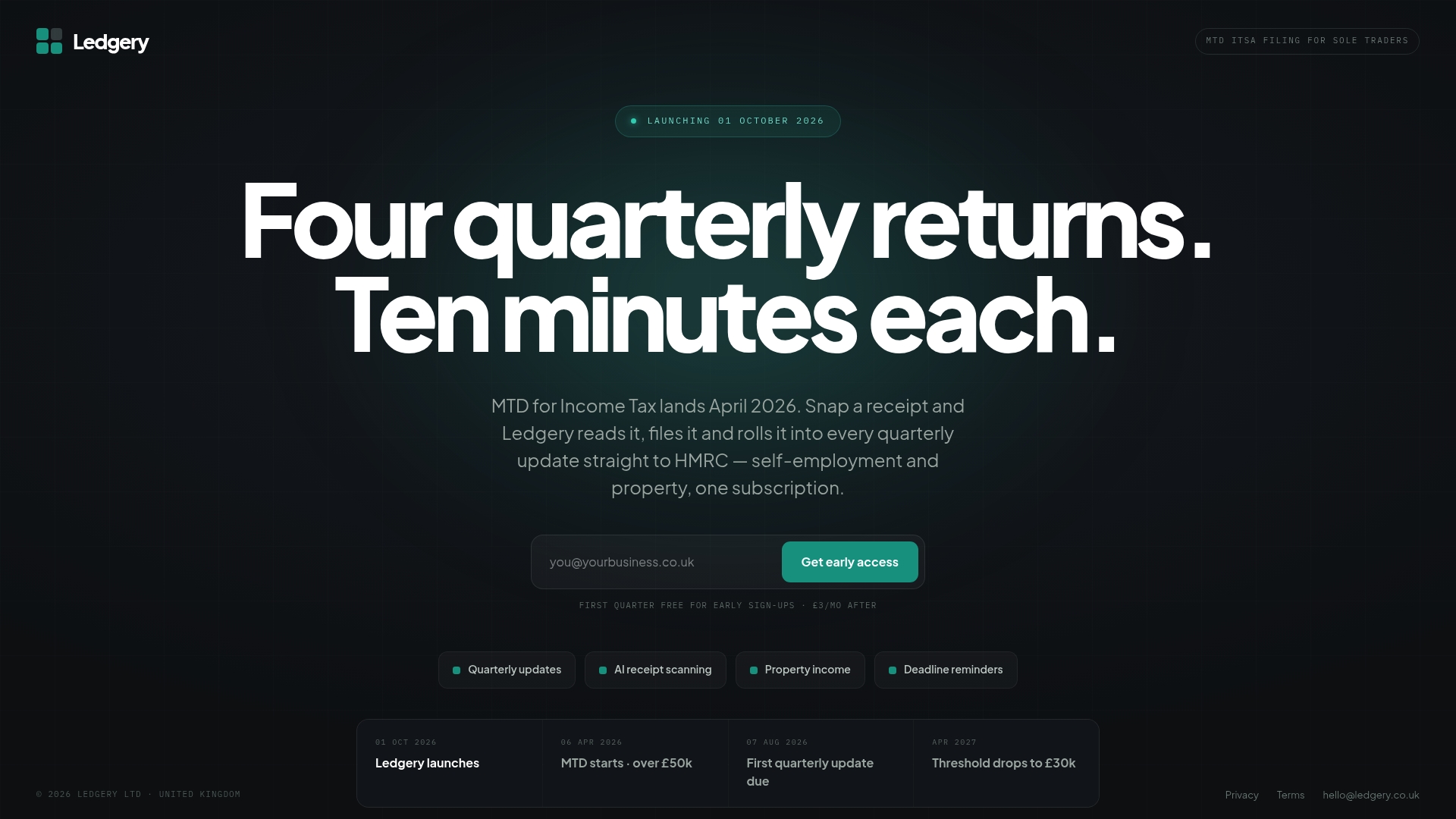
Ledgery supports sole trader and property income. Limited companies and VAT are outside its scope.
Our view on choosing software
We built Ledgery around one observation: the hard part of tax is not the form, it is the records behind it. A quarterly update is only as good as the receipts, invoices and bank entries that feed it.
For that reason, we treat receipt capture, bank feeds and filing as one job. When these sit in separate tools, records are re-entered, links break and dates are missed. A single platform for self-employment and property income removes those hand-offs.
We also think the person filing should stay in control. Our software prepares the update from stored records, and the user decides when it goes to HMRC. Accountants can be invited to view records, so review does not depend on a second subscription.
The free first quarter exists so that a full reporting cycle can be completed before any payment. Plans can be upgraded with records kept, so the choice made at the start does not lock anyone in.
The Ledgery Team
FAQ
Which accounting software is used in the UK?
The UK has many packages, grouped by purpose: company accounts, VAT, payroll and personal income tax. HMRC does not recommend a product. It requires that software for Income Tax is MTD-compatible and supports all of a person’s income sources.
Do sole traders need accounting software?
From 6 April 2026, sole traders and landlords with qualifying income over £50,000 must use MTD-compatible software. The limit drops to £30,000 in April 2027 and £20,000 in April 2028. Anyone below those limits should check the GOV.UK page for their own position.
Is a quarterly update the same as a tax return?
No. A quarterly update reports income and expenses for three months. No tax calculation or payment is due with it. The tax return is a separate annual submission.
Can an accountant use the same software?
Yes, where the software allows invited access. Ledgery lets an accountant be invited to view the records, and the accountant does not need to pay. The person filing remains in control of what is sent to HMRC.
Sources
- Choosing the right accounting package, NI Business Info
- Making Tax Digital for Income Tax, GOV.UK
- Choose the right software for Making Tax Digital for Income Tax, GOV.UK
- The Income Tax (Digital Obligations) Regulations 2026, legislation.gov.uk
- MTD for ITSA due dates, ACCA
- Five things you need to know ahead of the quarterly deadline, GOV.UK
- Quarterly updates for Making Tax Digital, HMRC guide
Recommended
Self-employment and property income in one subscription, 30 days free to start. Join the early access list and we’ll email you once, when it opens.
Join early access