Register as self employed in the UK: a step-by-step guide

You register as self-employed by notifying HM Revenue & Customs (HMRC) and registering for Self Assessment. The fastest route is online through GOV.UK.
- Create a Government Gateway account and register for Self Assessment.
- HMRC posts your Unique Taxpayer Reference (UTR) afterwards.
- Do this before 5 October following the end of your first tax year of trading.
Key Takeaways
Registering as self-employed in the UK means registering for Self Assessment with HMRC by 5 October following your first trading year, then keeping compliant records year-round.
| Point | Details |
|---|---|
| Register for Self Assessment | Notify HMRC online via Government Gateway to officially register as self-employed. |
| Meet the 5 October deadline | Register by 5 October after the end of the tax year you started trading to avoid penalties. |
| Gather your details first | Have your National Insurance number, start date, and business description ready before you begin. |
| Expect a 10-working-day wait | Your UTR arrives by post after registration, longer if you’re applying from overseas. |
| Automate ongoing records | Tools like Ledgery scan receipts and build quarterly HMRC-ready records automatically. |
Table of Contents
- How do you register as a sole trader with HMRC?
- What happens when you register online?
- What documents do you need before you start?
- When must you register, and what happens if you’re late?
- What do you need to do after you register?
- What mistakes do people make when registering?
- Is registering as self-employed as daunting as it sounds?
- How can software make registration and filing easier?
- Where can you register and get official help?
- Frequently asked questions
- Sources
How do you register as a sole trader with HMRC?
Registering as a sole trader means registering for Self Assessment. The process itself is short, but each step depends on having the right information ready first.
- Confirm you’re actually self-employed. If you’re unsure whether your work counts, HMRC’s Check employment status for tax tool settles it before you go further.
- Gather your details. National Insurance number, home address, and the exact date you started trading.
- Set up a Government Gateway account, or sign in if you already have one for other HMRC services.
- Complete the sole trader registration and submit it through GOV.UK.
- Wait for your UTR, which arrives by post, typically within 10 working days.
- Set up basic records and note your filing and payment deadlines before the tax year moves on.
Pro Tip: Register a few weeks earlier than you think you need to. The UTR arrives by post, and postal delays are the most common reason people miss their first Self Assessment deadline.
What happens when you register online?
The online route goes through your Government Gateway or HMRC business tax account, which is different from a personal tax account used for things like checking your State Pension. If you’re registering as a sole trader for the first time, you’ll usually need to set up an organisation-type account to add Self Assessment as a service, as explained on the HMRC online services registration page.
- Sign in or create your account, then select the option to register for Self Assessment as self-employed.
- Enter your trading start date, a short business description, your National Insurance number, and contact details.
- Submit the form. HMRC processes it and posts your UTR, usually within 10 working days, or around 15 working days if you’re applying from overseas.
- If your UTR doesn’t arrive within that window, call the HMRC Self Assessment helpline rather than resubmitting.
- Can’t register online? Post form CWF1 instead. This is the paper alternative for anyone without online access or facing identity verification issues.
Pro Tip: Keep the confirmation screen or reference number from your online submission. If HMRC’s helpline needs to trace your application, that reference saves considerable time.
What documents do you need before you start?
Before you open the registration form, have these ready:
- Your National Insurance number.
- Full name, home address, and contact details.
- The exact date you started trading.
- A short description of your main type of work.
You don’t need to formally register a business name with HMRC. You can trade under your own name or a business name, provided it isn’t already trademarked and doesn’t include restricted words like “limited” unless you’re actually a company. Whichever you choose, your invoices must show your full name and address, a point that trips up a fair number of first-time traders (a partner guide on business documentation covers naming and invoicing basics if you want a second opinion).
If you can’t register online, keep the CWF1 postal form and HMRC’s helpline number to hand.

Pro Tip: Note down a rough estimate of your first-year income and the exact start-of-trading date you plan to enter. Getting the start date wrong is one of the easiest mistakes to make, and it can shift your registration deadline.
When must you register, and what happens if you’re late?
The deadline is 5 October following the end of the tax year in which you started trading. If you started trading anytime in the 2025/26 tax year (which ends 5 April 2026), you must register by 5 October 2026.
- Started trading in July 2025? You’re inside the 2025/26 tax year, so 5 October 2026 is your registration deadline.
- Started trading in January 2026? Still the same tax year, same deadline: 5 October 2026.
- Once registered, your first Self Assessment return and payment are due by 31 January following the end of that tax year.
Because UTR processing typically takes around 10 working days, don’t register on 4 October and hope for the best. HMRC can issue penalties for late registration, and those penalties apply on top of whatever tax you owe.
What do you need to do after you register?
Registering isn’t the finish line. It’s the point where ongoing recordkeeping starts.
- Keep accurate records of income and expenses, and retain them for six years in case HMRC asks.
- Expect a notice to file once you’re registered; this kicks off your annual Self Assessment cycle.
- Watch for Making Tax Digital (MTD) for Income Tax, which will change how records get submitted for many sole traders in the coming years.
- Minimum bookkeeping items: sales invoices, expense receipts, bank statements, mileage logs, and categorised expenses.
Software that scans receipts and organises them into quarterly records, such as Ledgery, removes a lot of the manual sorting that trips people up at year-end.
Pro Tip: Start your recordkeeping habit from day one, not from January when the filing deadline looms. Digital records built up gradually are far less painful than six months of shoebox receipts sorted in a weekend.

What mistakes do people make when registering?
The same handful of errors show up repeatedly:
- Registering after 5 October and triggering a penalty.
- Entering the wrong start-of-trading date, which shifts every deadline that follows.
- Not having a National Insurance number ready, which stalls the whole application.
- Confusing self-employment with employment status, when the work actually falls under PAYE.
If you’ve missed a deadline, contact HMRC directly rather than ignoring it. For anything more complex, such as CIS subcontractor work or multiple income streams, the Low Incomes Tax Reform Group or a qualified tax adviser can save you from costly guesswork.
Is registering as self-employed as daunting as it sounds?
Registering as self-employed is a tax compliance step, not a legal minefield. Most people overestimate how complicated it is because the paperwork sounds official.
If you’ve got your National Insurance number, start date, and a Government Gateway account, you can finish this in one sitting. Register in good time, keep receipts as you go, and set a reminder for 31 January. That’s genuinely most of it.
How can software make registration and filing easier?
Once you’re registered, the real workload shifts to recordkeeping, and that’s where most sole traders lose time they didn’t budget for. Ledgery automates the tedious part: snap a photo of a receipt, and it organises your income and expenses into quarterly records ready for HMRC submissions.
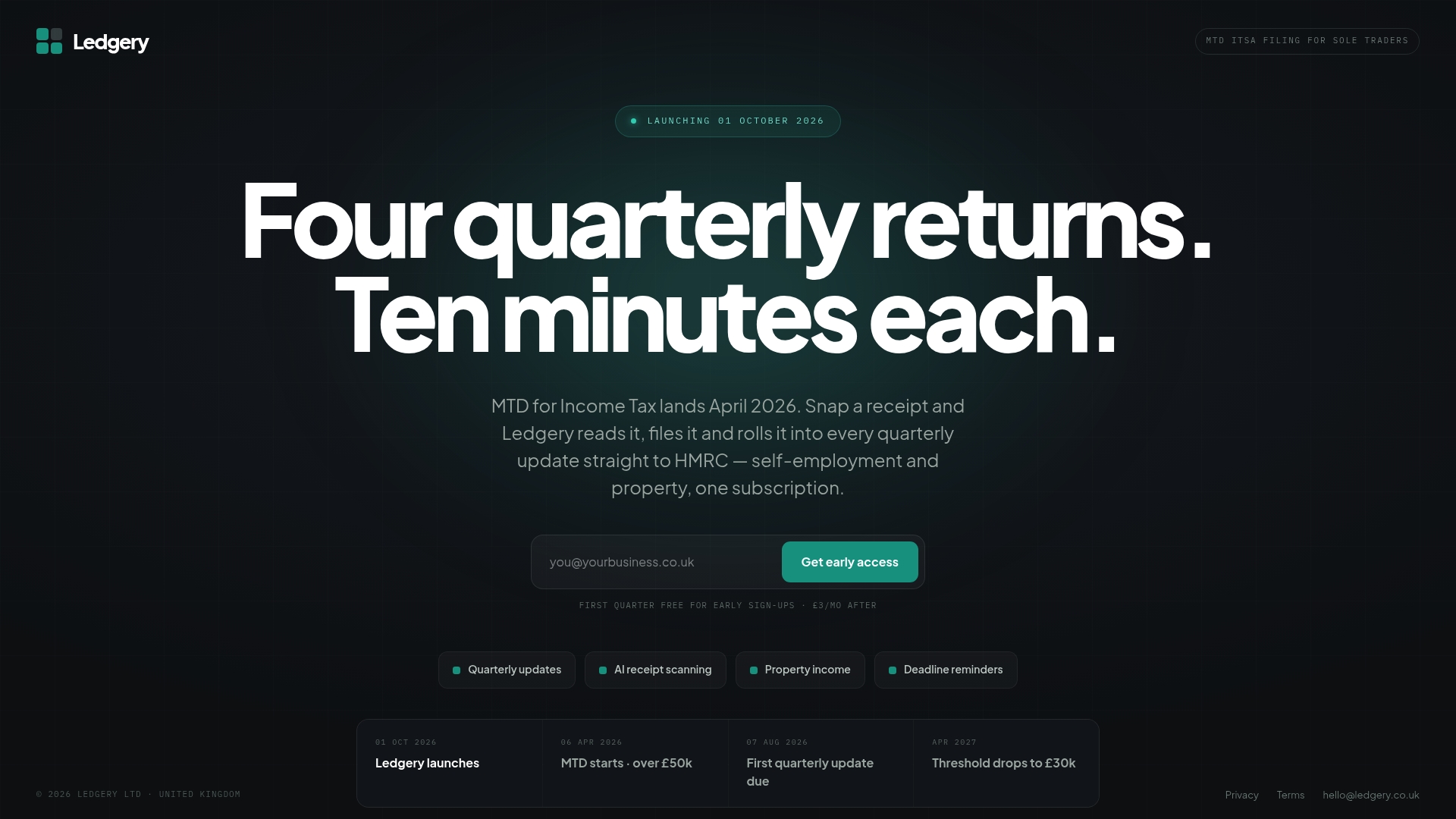
For sole traders earning over £50,000, where Making Tax Digital requirements are landing first, this matters more than it might seem. Missing a quarterly deadline or losing a receipt can mean scrambling at year-end, and Ledgery’s deadline alerts are built specifically to stop that happening. The service starts with a free first quarter, so you can see how it fits your routine before committing to a subscription. If you’ve just registered with HMRC, now is the moment to set up your Ledgery account and get your records organised from day one, rather than in a January panic.
Where can you register and get official help?
- Register as self-employed via GOV.UK’s official tool.
- Register for HMRC online services to set up Government Gateway access.
- Apply for a National Insurance number if you don’t already have one.
Frequently asked questions
Do I need to register as self-employed if I earn under £1,000?
Not necessarily. The trading allowance means income under £1,000 in a tax year usually doesn’t require registration, though you may still choose to register voluntarily to prove self-employed status for benefits or to pay voluntary Class 2 National Insurance contributions.
Can I register as self-employed and employed at the same time?
Yes. Plenty of people register as self-employed alongside a PAYE job. You’ll pay tax on your self-employed income through Self Assessment while your employer continues handling PAYE separately.
How long does it take to get my UTR after registering?
Typically around 10 working days by post, or roughly 15 working days if you’re applying from overseas, according to Simply Business.
What if I miss the 5 October registration deadline?
Contact HMRC as soon as possible. Late registration can lead to penalties, and the longer you leave it, the more complicated correcting your record becomes.
Do I need to register a business name?
No, not with HMRC. You can trade under your own name or a business name, but your invoices must show your full name and address regardless of which you choose.
This article is general information, not a substitute for advice from a qualified financial advisor. Consult a qualified financial professional about your own circumstances before acting on anything here.
Sources
- Register as self-employed
- Register for HMRC online services
- Set up as a sole trader — Tax Confident
- Check employment status for tax
Recommended
Self-employment and property income in one subscription, first quarter free. Join the early access list and we’ll email you once, when it opens.
Join early access